Offering discounts can be an effective way to manage customer relationships, encourage repeat business, or apply agreed-upon pricing adjustments. In Ascora, applying discounts is simple and ensures accuracy in your invoicing while maintaining a professional and transparent financial record.
By following these steps, you can apply discounts efficiently while keeping your invoicing process streamlined and professional.
Calculating the discounted amount
1. Calculate the discounted amount or reduced amount as you will need it when adjusting the Total Ex Tax.
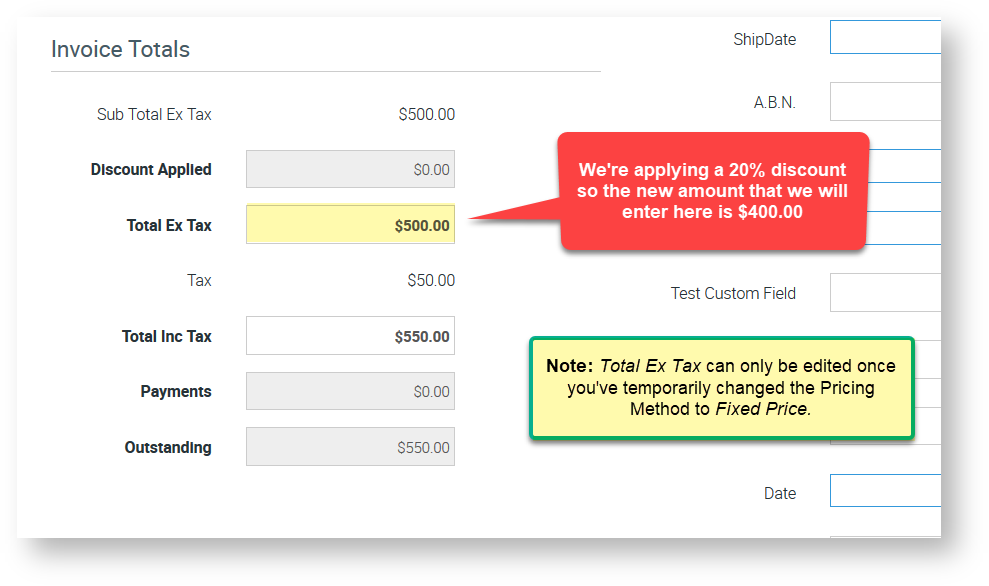
In this example, we have an invoice with a Total Ex Tax of $500.00 and we're applying a 20% discount.
Therefore, our discounted amount is $500.00 - 20% = $400.00
Changing the Pricing Method to Fixed Price
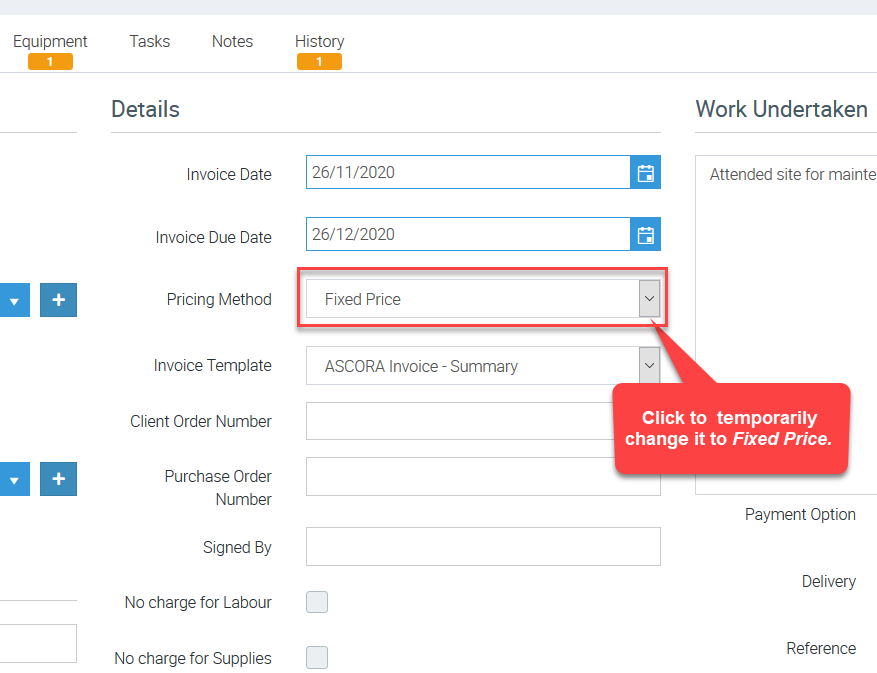
2. Change the Pricing Method to Fixed Price since this is the only pricing method that allows you to edit invoice Total Ex Tax or allow you to apply a discount.
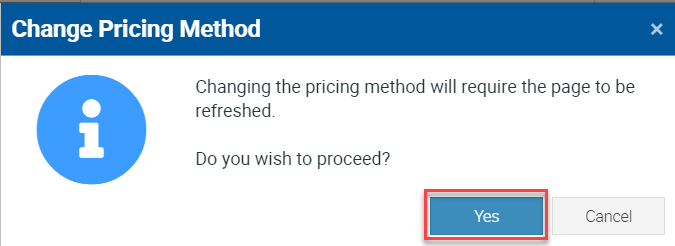
2.1 Click Yes when you see the following box.
Applying the Discount
3. After changing the pricing method to Fixed Price, the fields called Total Ex Tax can already be adjusted.
To apply the discount, edit the Total Ex Tax by entering the discounted amount which is $400.00 calculated by (Original Amount Ex Tax $500.00 - Discount Amount $100.00 or discount of 20%)
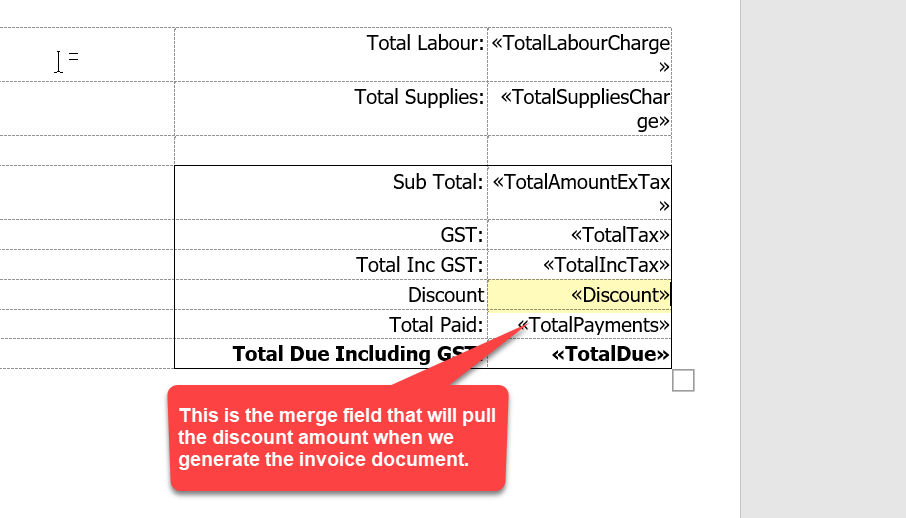
Once you've entered the discounted amount in Total Ex Tax field, the discount amount automatically shows in the Discount Applied field.
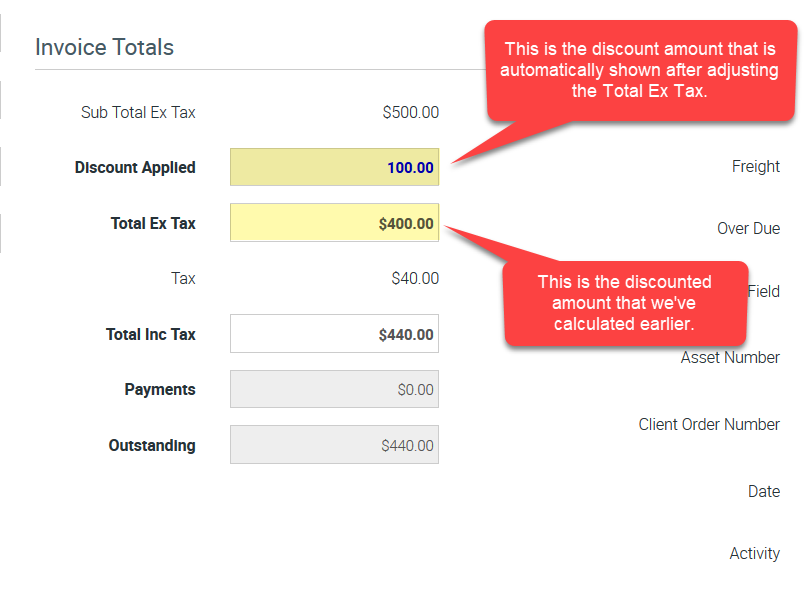
Refer to the image below as an example.
Got a question?
Submit an Idea 💡 Go to Ideas Portal