📽 Watch the video guide ⤵
Follow these simple steps to mark a job as completed:
- Open the job you wish to complete in the Ascora Android app.
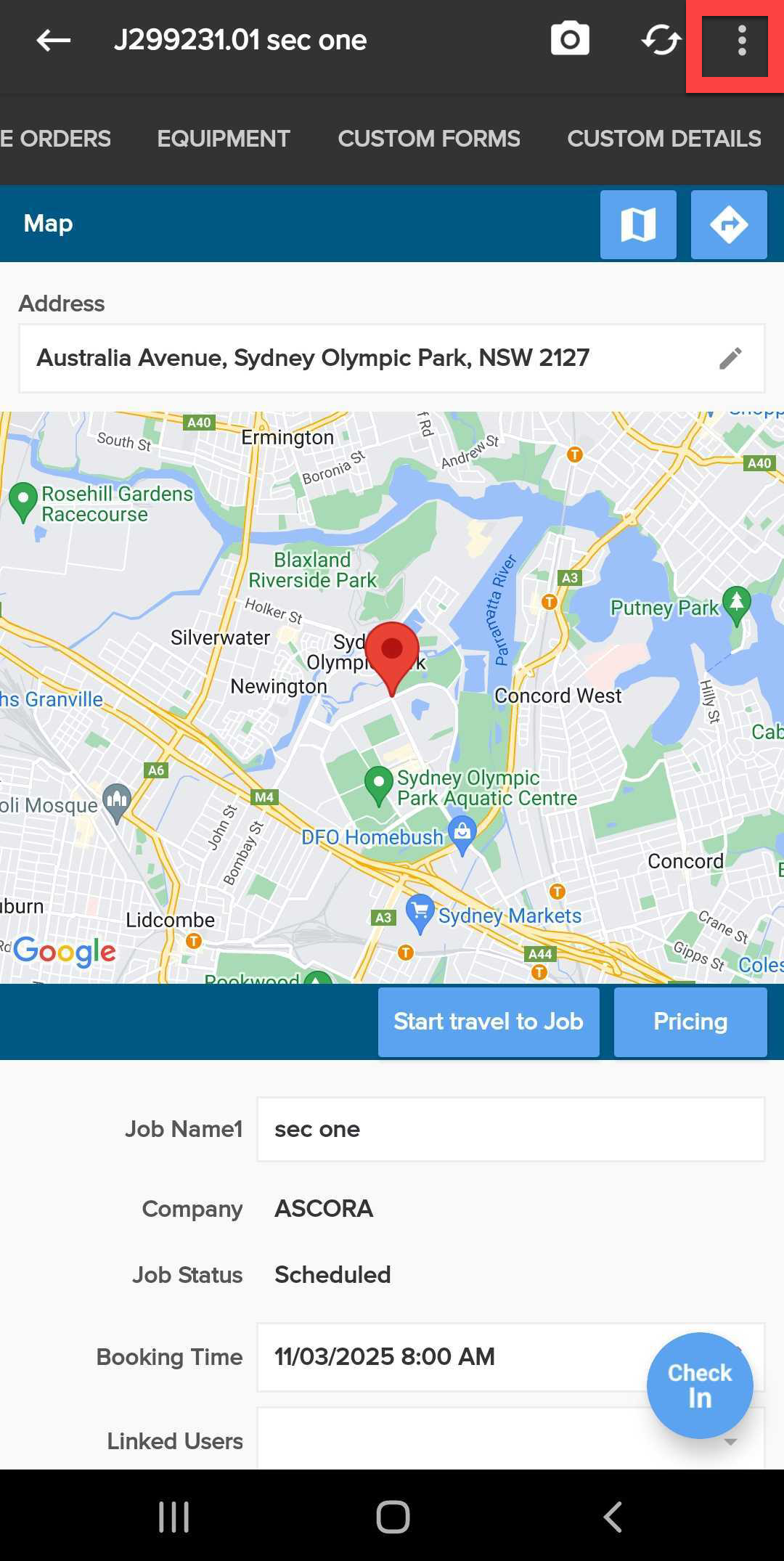
- Tap on the three-dot menu icon located in the top-right corner of the screen.
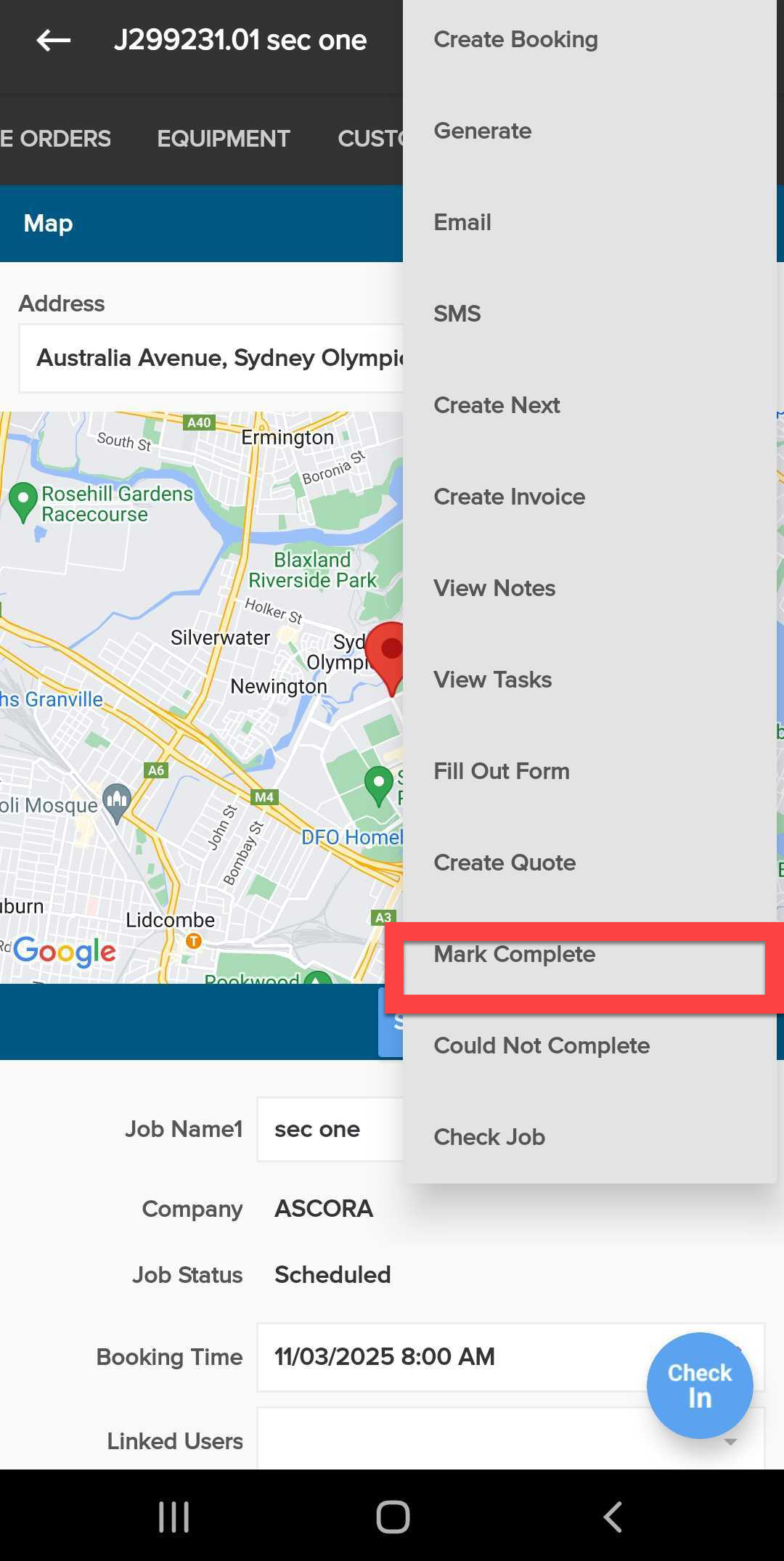
- From the dropdown menu, tap "Mark Completed".
- The job status will now be updated to "Completed".
Ensure you've filled out any required job details before marking as completed.
Got a question?
Submit an Idea 💡 Go to Ideas Portal