Contracts in Ascora provide a structured way to manage long-term service agreements with key clients, allowing for seamless job allocation and streamlined billing. Instead of invoicing for individual jobs, contracts group multiple jobs under a single agreement, ensuring efficient financial tracking and simplified client management.
When to Use Contracts
Contracts are ideal for businesses that:
✔ Provide ongoing services to clients across multiple sites
✔ Need to bill periodically rather than per job
✔ Manage large-scale maintenance agreements
✔ Want to track job allocations under a contractual agreement
For example, if you secure a $1,000,000 contract to maintain grocery stores for a large chain, Ascora lets you assign multiple jobs to this contract while ensuring only approved locations and services are covered.
How Contracts Work
A contract is defined by:
✔ A Billing Customer – the client responsible for payments
✔ A Defined Time Period – only jobs created within this period are included
✔ A List of Covered Sites – locations that fall under the agreement
Whenever a new job is created, Ascora automatically checks if it matches an active contract. If the job meets all criteria, it will be assigned accordingly. If a job doesn’t fit (e.g., capital works outside of the maintenance scope), you can easily remove it from the contract.
📽 Watch the video guide ⤵
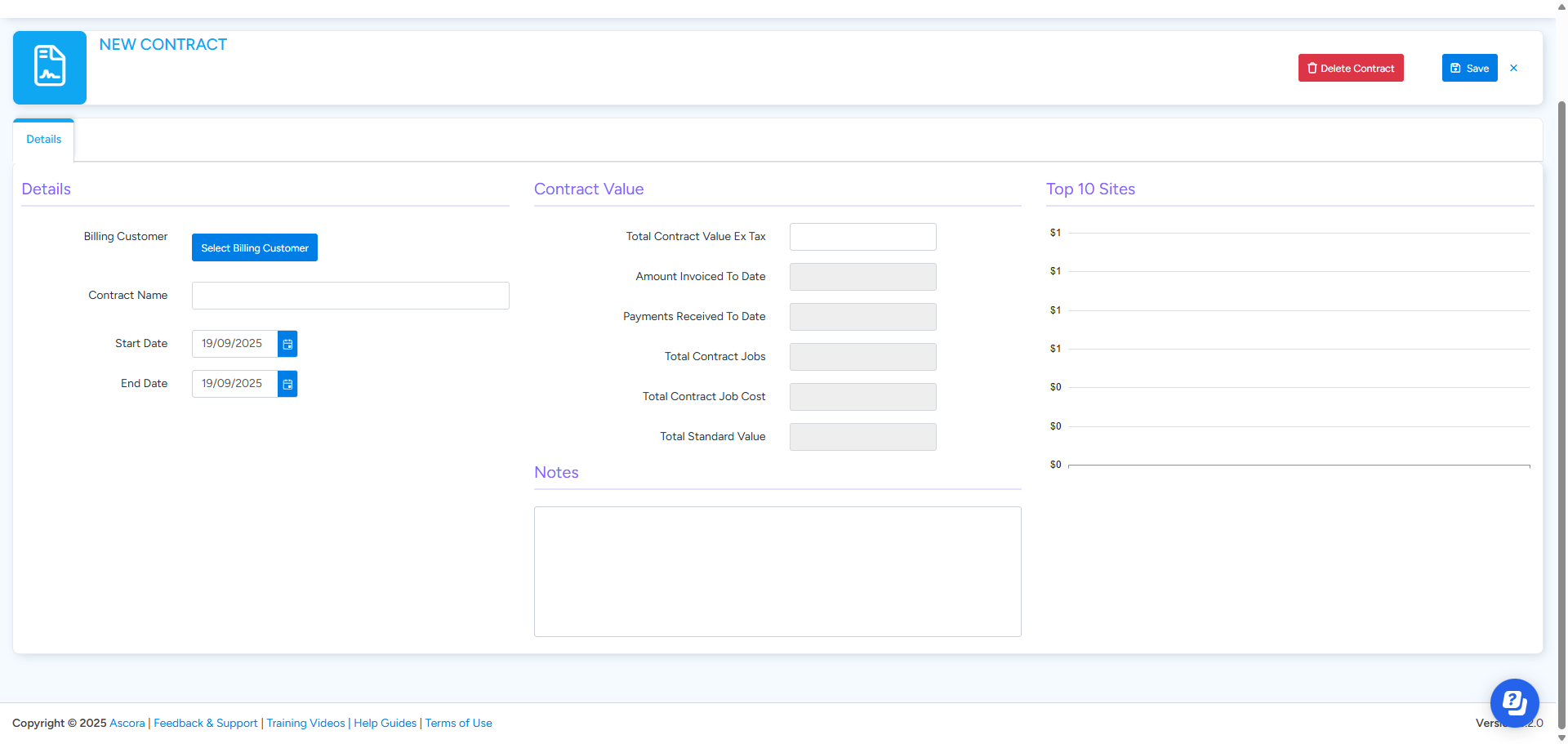
Creating a Contract
- Under the Advanced menu, select Contracts.
- Click New Contract.
- Select the Billing Customer for which the Contract will apply.
- Enter the Start Date and End Date for which the Contract will apply. Note: Only Jobs created in this date range will be added to the Contract.
- Save the Contract
- After the Contract has saved select the Sites that are In Contract.
Removing a Job from a Contract
If a Job shouldn't be associated with a Contract due to the type of work it can be removed.
- Open the Job.
- Click the Remove from Contract button.
Got a question?
Submit an Idea 💡 Go to Ideas Portal