A Request for Information (RFI) is a formal way to document and address customer questions or clarifications that fall outside the original job scope. RFIs help ensure clear communication, proper record-keeping, and timely responses, especially when additional details or clarifications are needed. In Ascora, you can create and track RFIs directly within a Job Card to keep all relevant information in one place.
Use RFIs for:
- Documenting extra details requested by your customer.
- Tracking cost impacts or changes in scope.
- Maintaining an organized record of queries and responses for future reference.
The RFI tab is accessible from the Job Card in Ascora’s web interface (RFIs are not currently available on the mobile app). Follow the steps below to create and manage RFIs, ensuring you capture and address all customer inquiries efficiently.
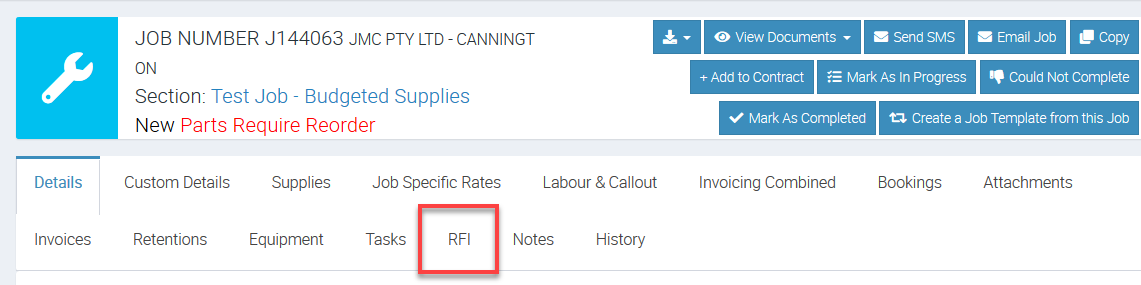
1. Choose the RFI Tab on the Job Card which is located next to Tasks tab.
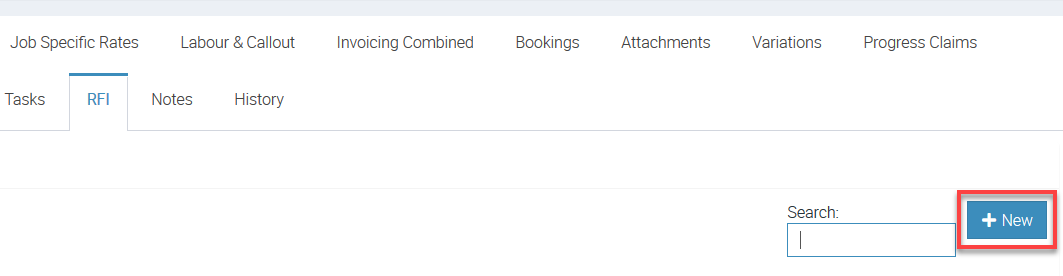
2. Click the +New button to create a new RFI.
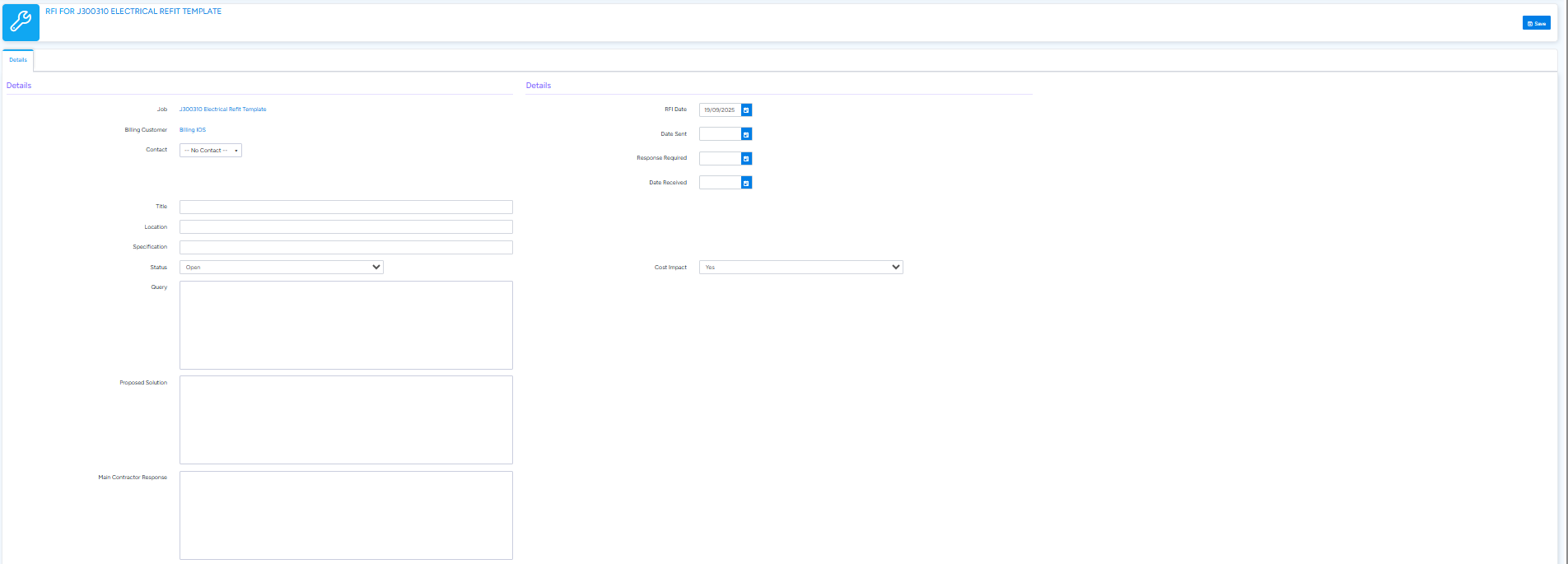
3. A new RFI card will display which allows you to create RFI for the customer queries about the job.
Enter the RFI Title, Query and all other relevant details (for example, Status, Cost Impact, Location, Specification, Response, Dates, etc).
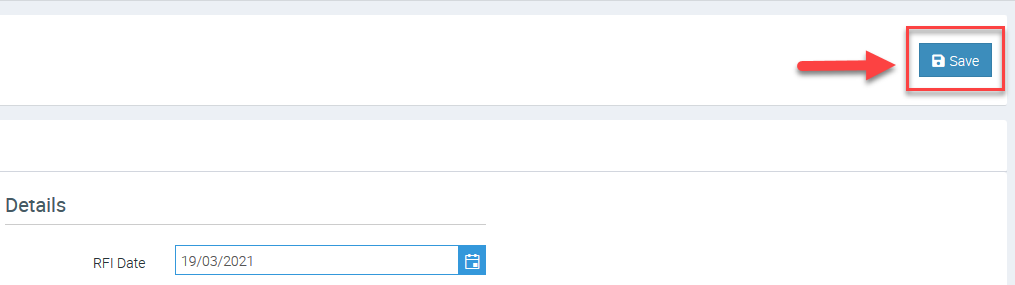
4. To proceed, click Save button located on the upper right side of the screen.
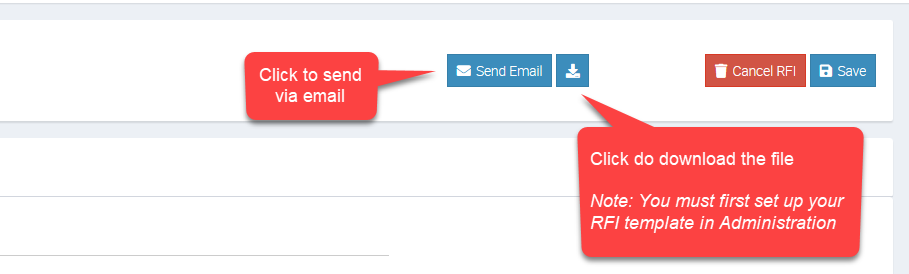
5. Once the RFI is created with the desired information requested by the customer, you can Send Email or Download it from the RFI card.
6. The RFI’s will display under the RFI Tab on the Job Card. You can view and/or edit the RFI as required by clicking the View button next to the RFI and making the applicable changes. You can also filter the RFI’s by status.

Got a question?
Submit an Idea 💡 Go to Ideas Portal