Integrating MYOB with Ascora ensures a smooth and automated payroll process by syncing employee timesheets directly into MYOB. This eliminates manual data entry, reduces payroll errors, and improves efficiency in labor cost management.
With Ascora’s MYOB integration, you can:
✔ Sync Employee Timesheets Instantly – Automatically push timesheet data into MYOB for accurate payroll processing.
✔ Simplify Payroll Administration – Reduce manual entry and human errors when calculating wages and overtime.
✔ Enhance Compliance & Accuracy – Ensure that employee working hours, penalty rates, and allowances are correctly reflected.
✔ Streamline Approvals & Processing – Easily filter timesheets and send approved data to MYOB in just a few clicks.
This guide will walk you through setting up Ascora's MYOB integration, from connecting your payroll system to sending timesheets efficiently.
1. Go to Administration → Payroll Settings → and select Xero and click Connect To Payroll Package.

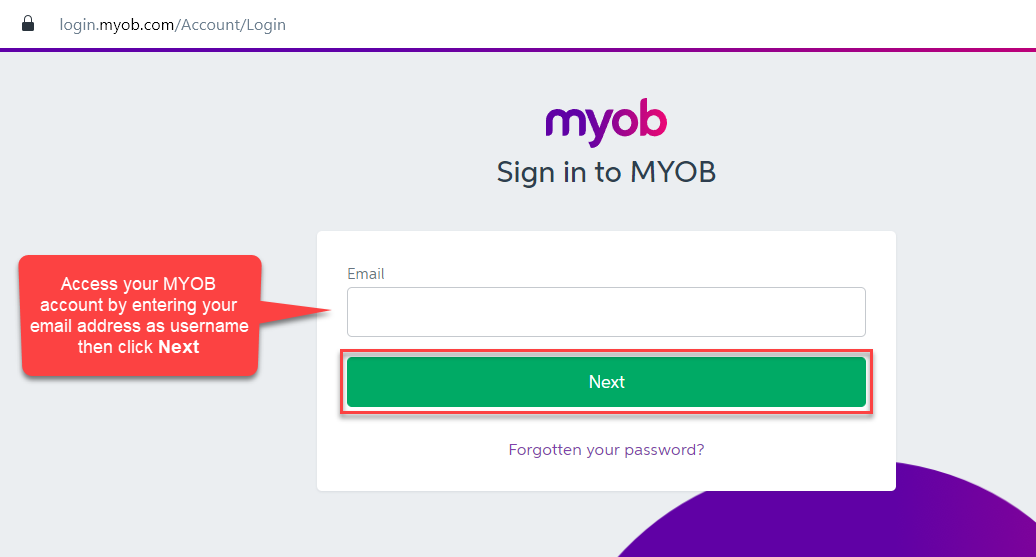
2. You'll be redirected to MYOB log in page and please enter your username.
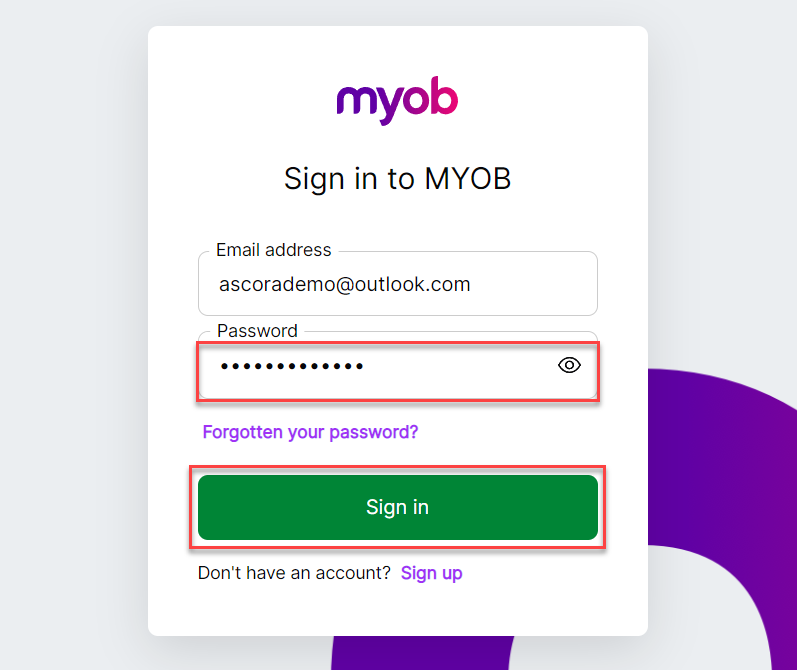
3. Enter your password and click on Sign In.
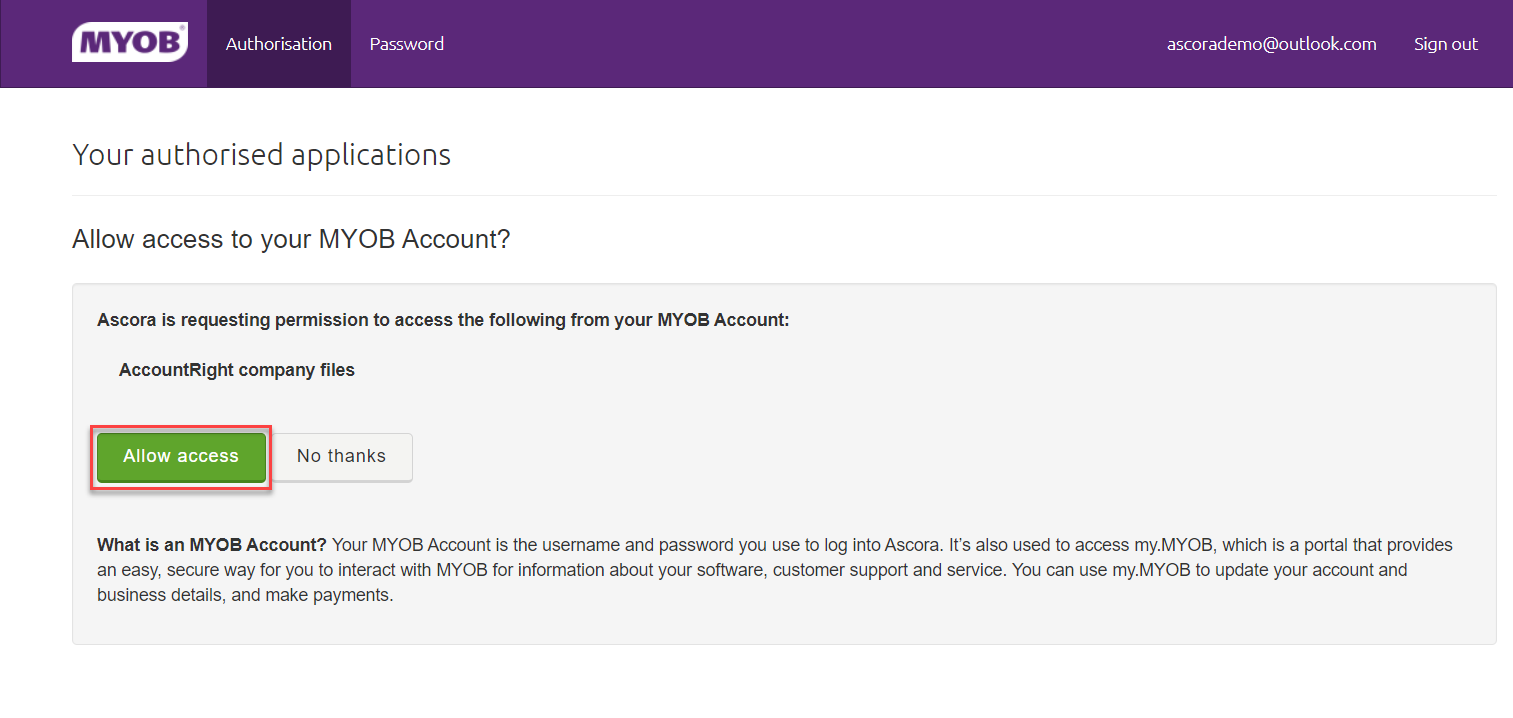
4. A pop-up box will appear and ensure to click Allow Access.
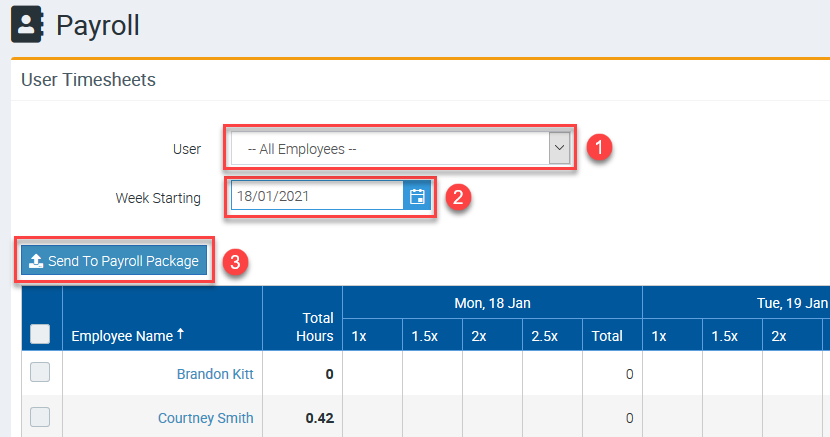
5. After connecting Xero to Ascora, you can go to Administration → Payroll and you'll have the ability to filter user timesheets and send them to your payroll package
Got a question?
Submit an Idea 💡 Go to Ideas Portal