Adding a Callout Fee from your iPad is a quick and straightforward process, ensuring accurate job costing while on-site. This feature works seamlessly for both jobs and quotes, allowing you to apply the correct fee based on the service provided, such as after-hours or emergency callouts. Following the steps below, you’ll be able to add, adjust, or remove callout fees directly from the iPad app, keeping job details accurate and up to date.
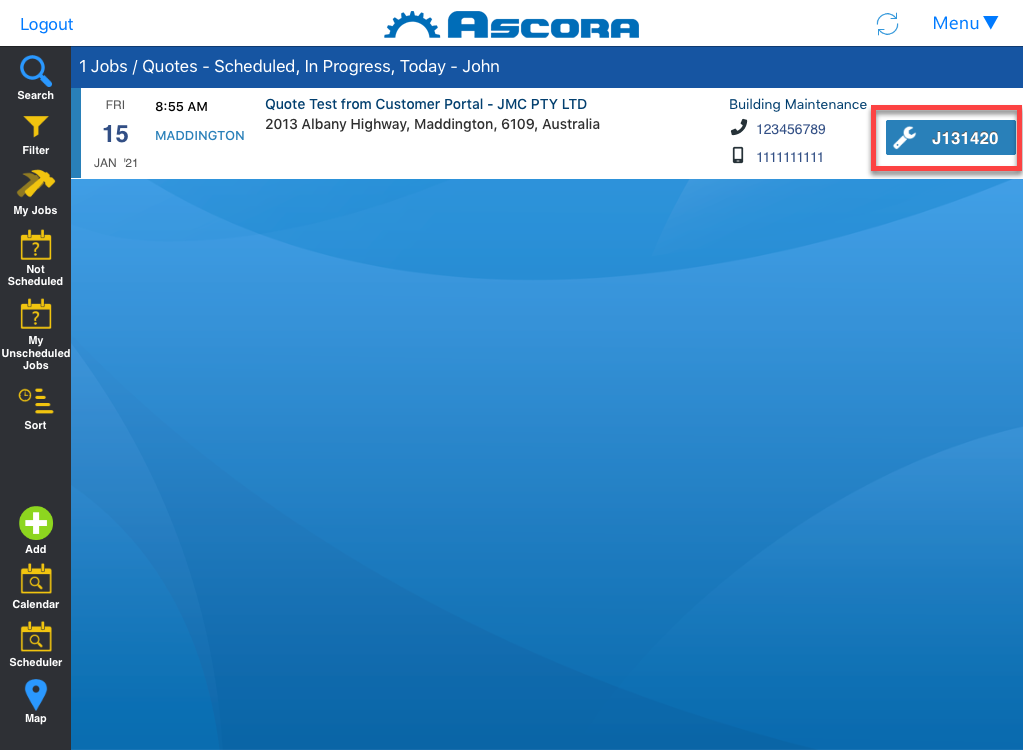
1. From the main screen or from the job screen, tap the job number to display the details.
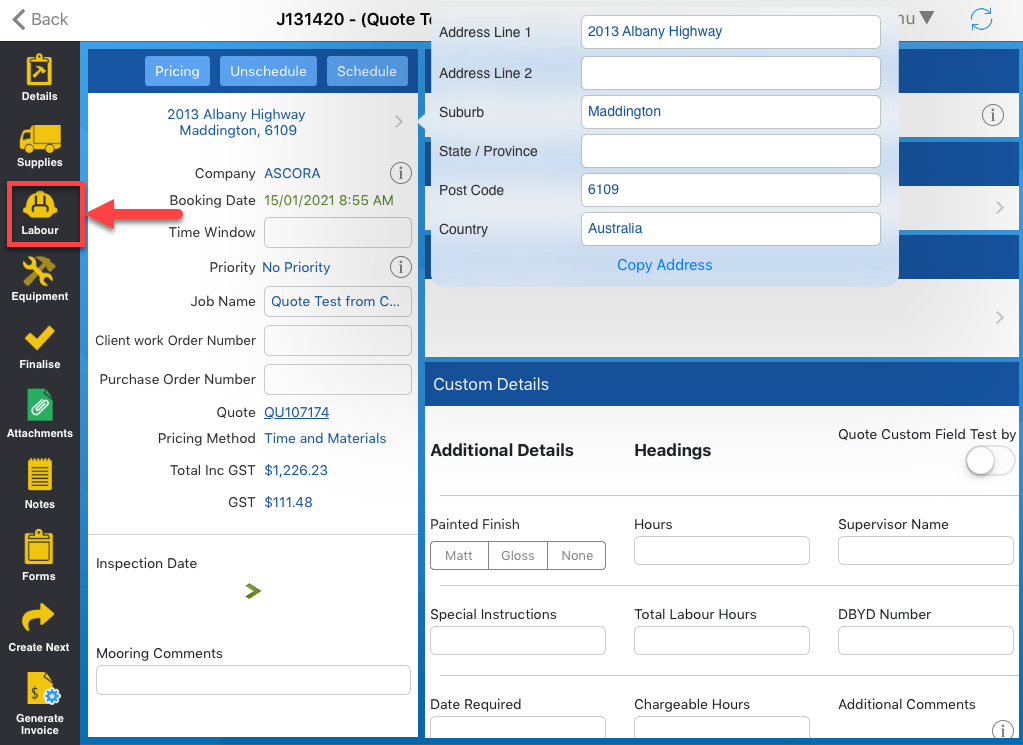
2. Tap Labour located on the left side of the iPad screen.
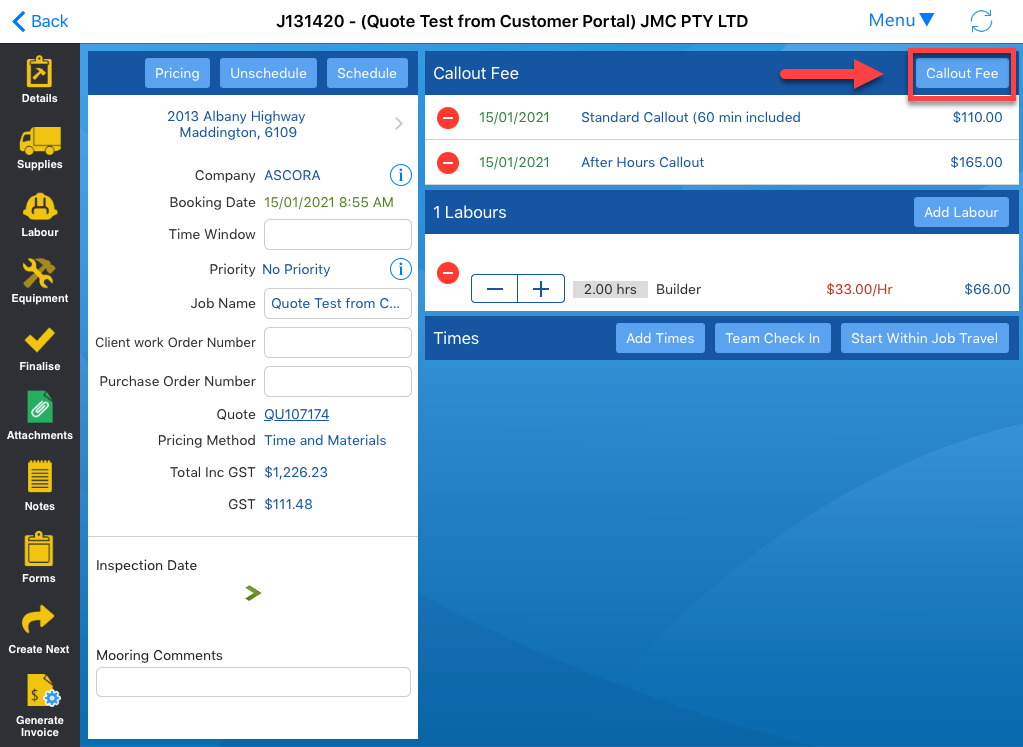
3. Tap Callout Fee button.
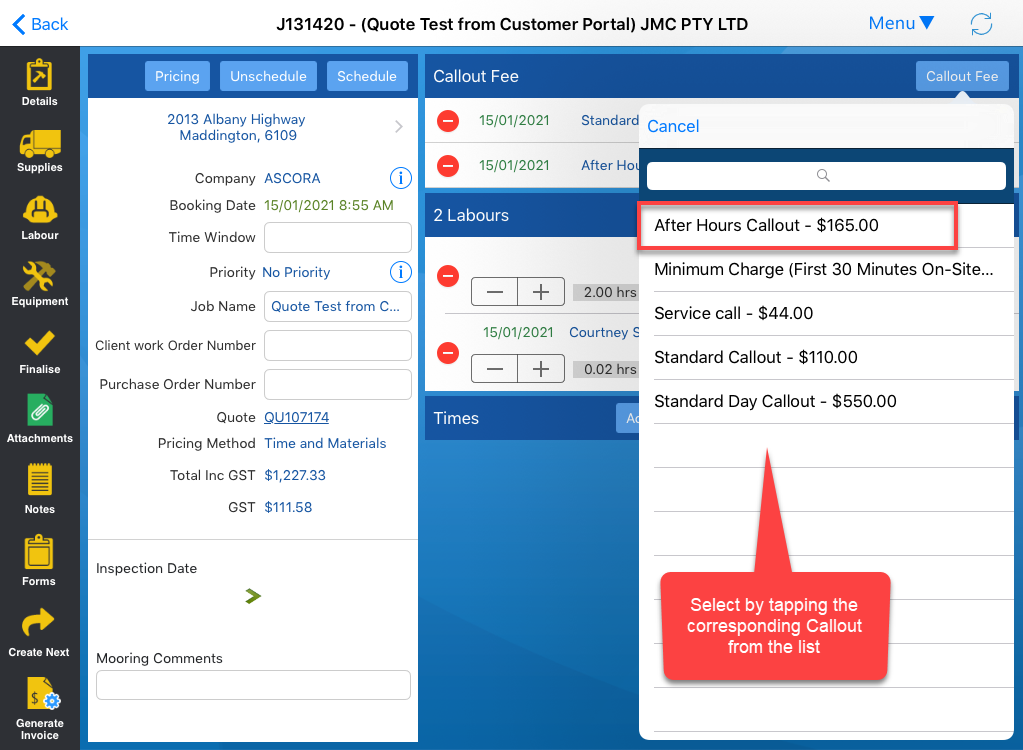
4. From this screen, select the corresponding Callout Fee from the list.
In this example, we're choosing After Hours Callout.
Got a question?
Submit an Idea 💡 Go to Ideas Portal