The User Lookups section in Ascora allows you to customize and manage key details related to your workforce. This feature helps in organizing employees into teams, tracking licenses, and managing allowances. By setting up these user lookups, you can ensure accurate record-keeping and streamline user management within your business.
Once these details are set up, you can easily assign them to individual users in the Users section.
The guide below walks you through adding and managing Teams, Licenses, and Allowances in Ascora.
In Administration → User Lookups you can do any of the following.
- Add Teams
- Add Allowances
- Add Licenses
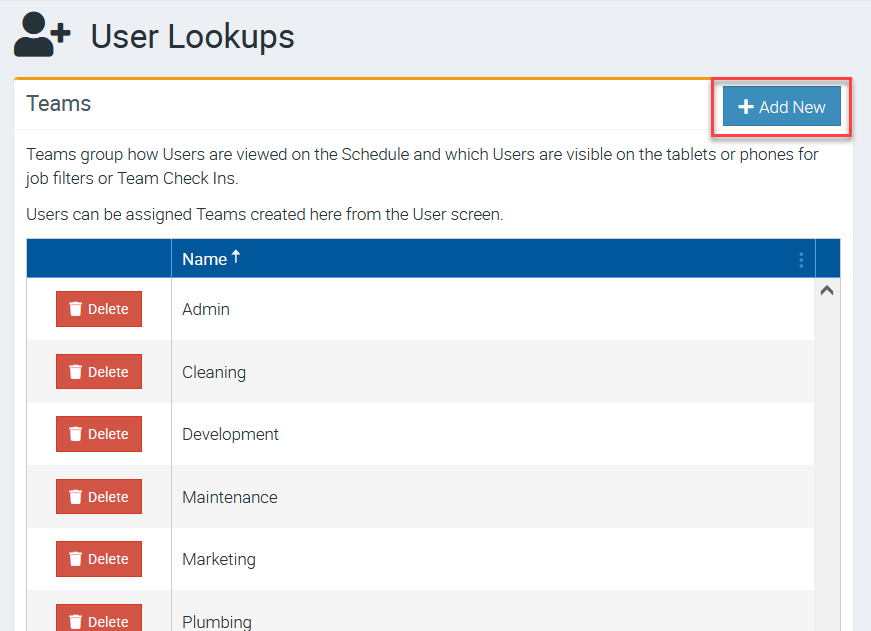
Adding Teams
Click + Add New and enter a name and click Save.
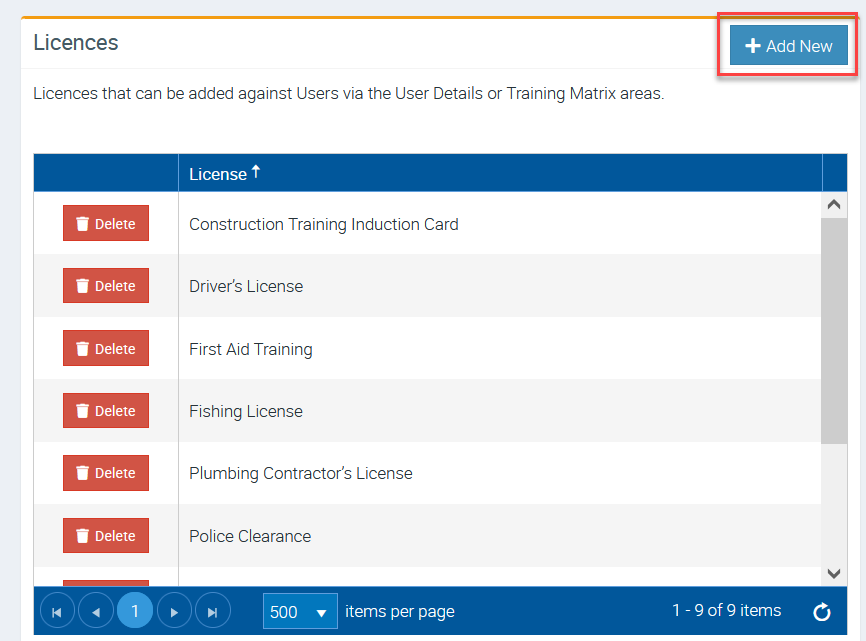
Adding Licenses
Click + Add New and enter a name and click Save.
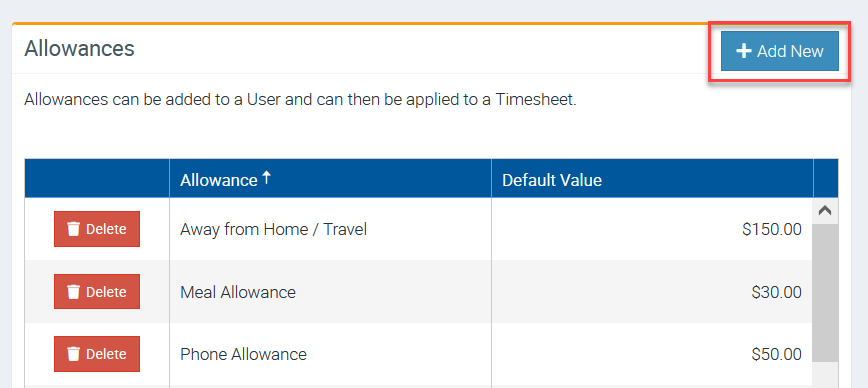
Adding Allowances
Click + Add New and enter a name and click Save.
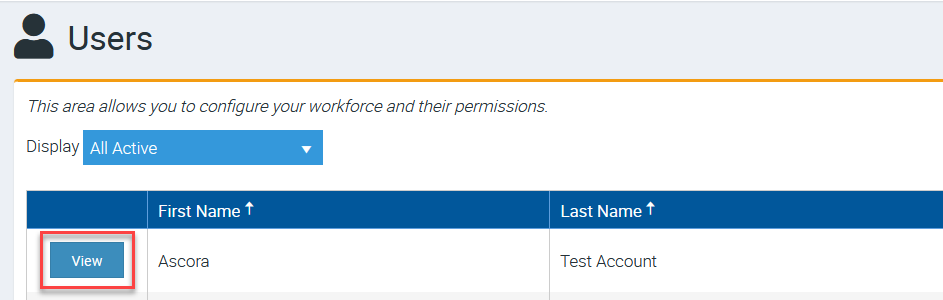
Once you've added teams, allowances, and licenses, you can can add any of these to a user by going to Administration → Users → click View beside the User Name.
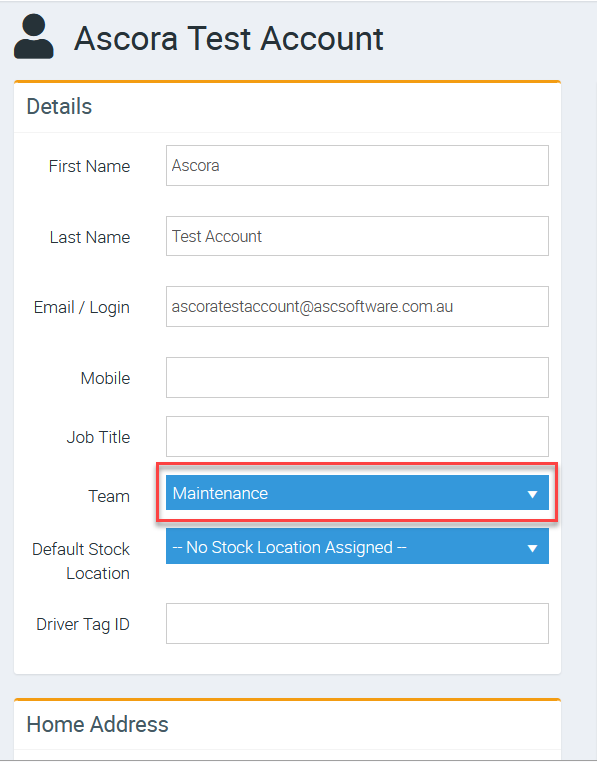
Once you're in the user details screen, go to Team field to add a team or to the other fields such as Allowances or Licenses and add accordingly.
In the following example, we added this Test User to the Maintenance Team.
Got a question?
Submit an Idea 💡 Go to Ideas Portal